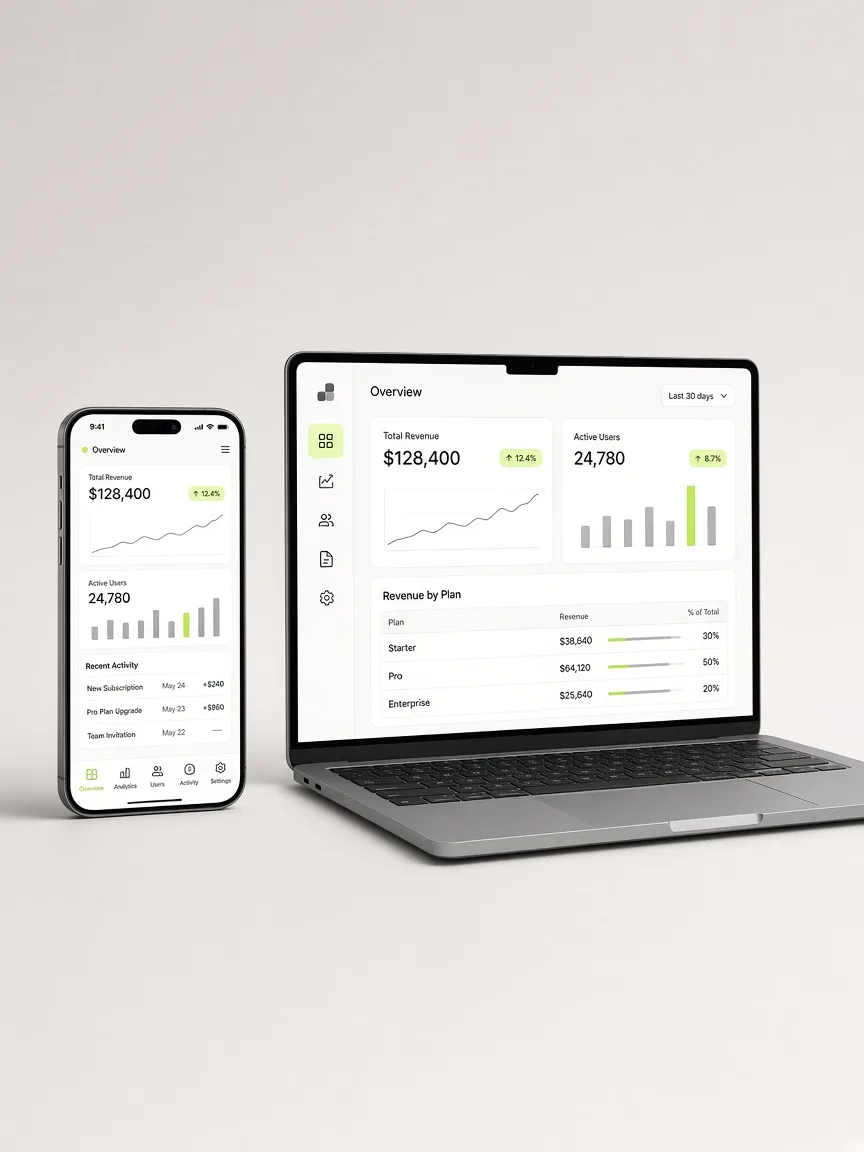
“I need an app” is one of the phrases we hear most from founders and brands. It’s almost never a sentence about technology. It’s a sentence about a need: customers having the product at hand, using it offline, getting notifications. The useful question isn’t “app or web?” but “what does my product need to do, for whom, and on what budget?”
With that question in mind, let’s look at the two main options and when each one makes sense.
What a PWA is, without the jargon
A progressive web app (PWA) is a website built to behave like an app. It opens from a link, can be installed on the phone’s home screen or on desktop, can work offline for certain tasks and can send notifications, with nuances depending on the operating system and browser.
The key difference is that it doesn’t go through an app store. Users don’t have to search for it, download it or update it. You ship a change and everyone gets the new version the next time they open it.
What a native app is
A native app is built specifically for iOS or Android, with each platform’s tools, and distributed through the App Store and Google Play. Today there are also cross-platform frameworks that let you write one codebase for both systems and get apps installed from the stores. For this comparison we group them together: what matters is that they ship as store apps and have broad access to the device.
When a PWA makes sense
In the projects we see, a PWA is the sensible choice more often than people expect:
- Internal tools and admin panels. An inventory system, a point of sale, a dashboard for your team. The people using it already know you; you don’t need to be found in a store.
- MVPs that need to validate fast. One codebase for mobile and desktop, no waiting for store approvals, changes shipped the same day.
- Products that live on shared links. If users arrive through WhatsApp, social media or email, a link that opens the product directly removes friction compared to “download the app first.”
- Tight budgets. Maintaining one codebase costs less than maintaining two apps plus a website.
For a product brand that wants customers to place repeat orders, or a SaaS that needs a mobile version of its dashboard, a PWA usually covers what’s needed with a fraction of the effort.
When a native app makes sense
There are cases where native isn’t a whim but a requirement:
- Deep hardware access. If your product depends on Bluetooth with external devices, NFC, specific sensors or constant background processes, web support is partial or uneven across platforms.
- Intensive performance. Games, video editing or heavy on-device processing benefit from running natively.
- The store is your acquisition channel. If you expect people to find you by searching the App Store or Google Play, you need to be there.
- Notifications at the core of the product. They work in PWAs, but on some systems they require users to install the web app first, and the experience isn’t always the same as native.
- In-app payments in closed ecosystems. If you sell digital content inside the app, each store’s rules will shape a good part of your model.
The questions we suggest asking yourself
Before deciding, answer honestly:
- Will my users search for me in a store, or will I send them a link?
- Which phone features do I really need in the first version, not the fifth?
- How often will I ship changes while I learn from the market?
- Do I have the budget to maintain one or several codebases over the next two years?
- Is my product used more on desktop, on mobile or both?
If most of your answers point to links, frequent changes, mixed use and a limited budget, start with a PWA. If they point to hardware, stores and experiences that depend on the operating system, consider native from the start.
The middle path almost nobody considers
It’s not a forever decision. A reasonable path is to launch as a PWA, validate with real users and, once there’s traction and a concrete reason, publish to the stores. There are ways to package a web app for distribution on Google Play or the App Store without rewriting it from scratch, each with its own limits and review requirements.
What we don’t recommend is starting with two native apps and a website for a product that doesn’t yet know if anyone wants it. That’s the most expensive way to learn the same thing.
In short
A PWA is the best way to start when you need speed, reach through links and a single codebase to maintain. A native app is justified when your product depends on hardware, performance or being in the stores. The right technology is the one that lets you learn fast without mortgaging your budget. Everything else can change later.